Keeping a long recording running
Heat, storage, battery, calls, a stray tap — and the fix for each.
Long recordings on iPhone
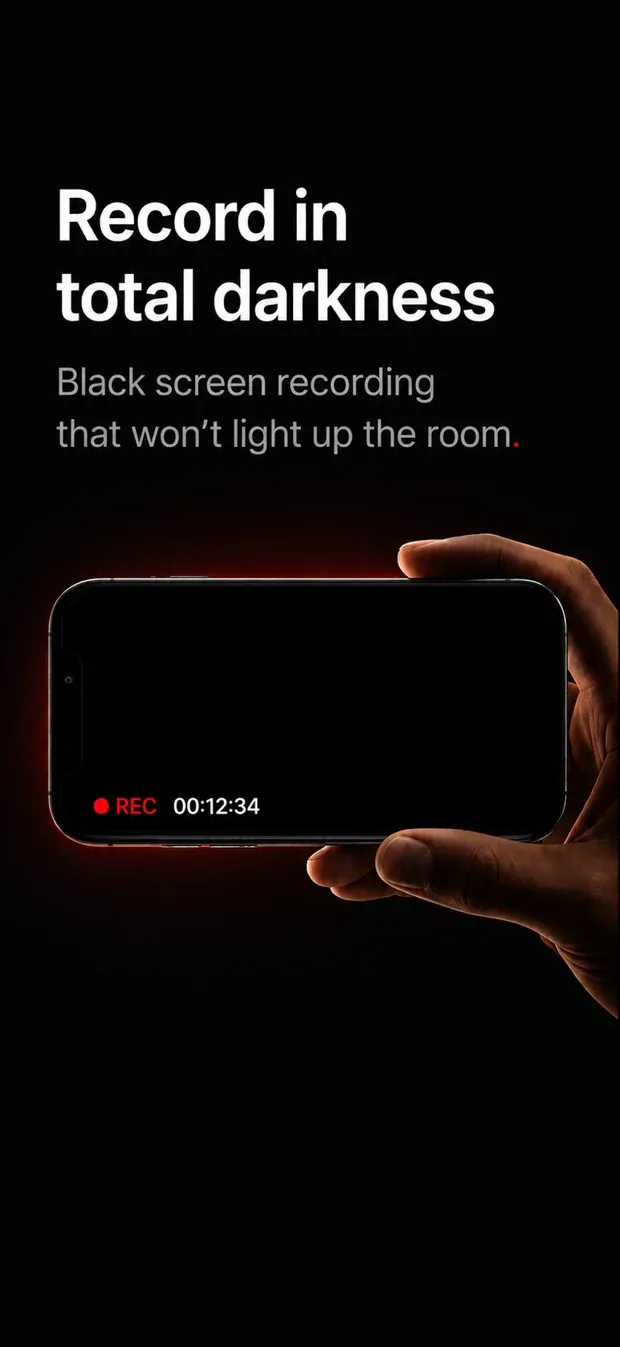
NoLight keeps an iPhone recording while the screen goes dark — so a lecture, a concert, a rehearsal or a two-hour meeting gets recorded, and the phone doesn't glow at everyone around you.
iPhone, iOS 17 and later · Free records with no time limit · Pro $14.99 once, no subscription
Record with the screen off, record with the phone locked, or hide the green camera dot. Spy-camera and hidden-camera apps that promise it are describing something iOS blocks for every app.The guides explain what is possible instead.
Heat, storage, battery, calls, a stray tap — and the fix for each.
Video is written in five-second fragments, so a crash, a forced quit or a flat battery still leaves a playable file.
It won't start without about a minute of room, warns at five minutes left, and stops cleanly instead of filling the disk.
It checks the phone's temperature every ten seconds: a vibration when it runs hot, and if it gets critical, it stops and saves the file itself rather than lose it.
A red dot and REC stay on the dark screen, with the way back written beside them. No setting turns them off.
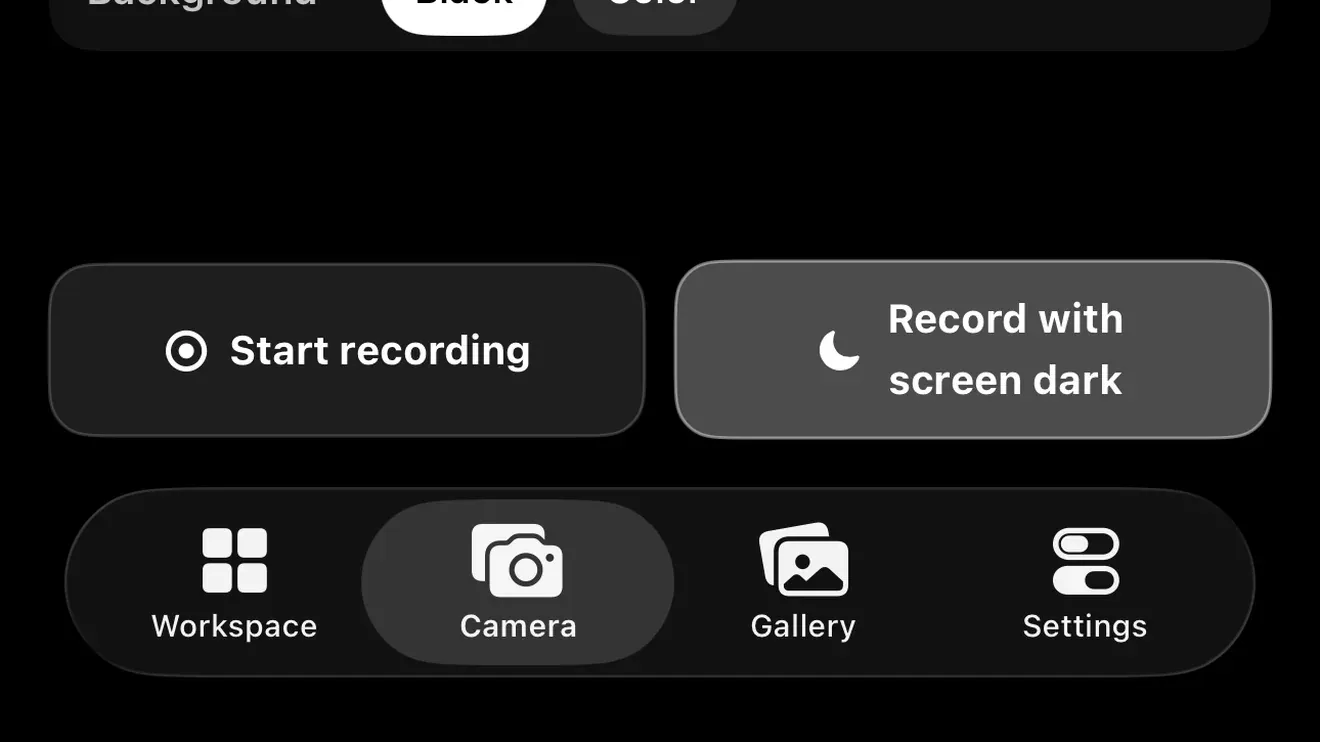
Video and photos, no time limit on recording.
Includes 10 minutes of dark screen in total. When they run out the screen comes back on and the recording keeps going.
No subscription.
Unlimited dark screen, Workspace while recording, 4K, export to Files, and Vault.